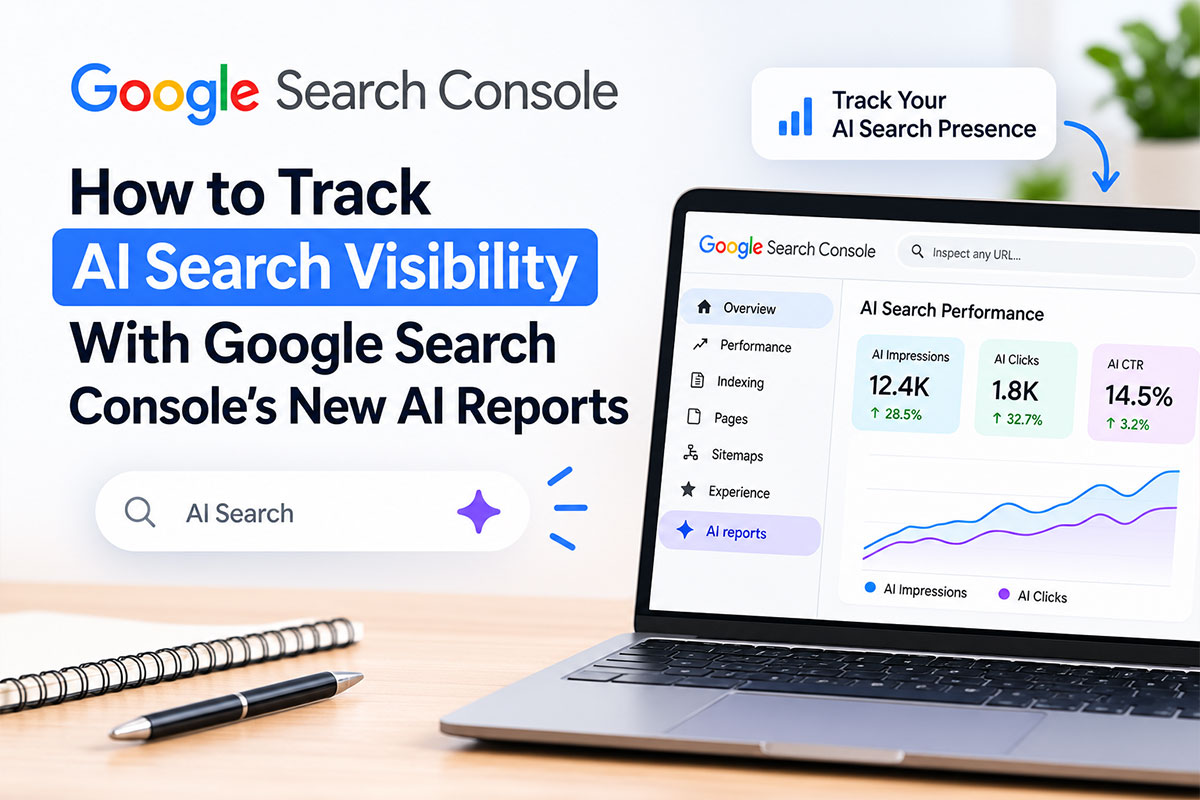
Until recently, there was no official way to track AI search visibility on Google. You could see your normal rankings and clicks, but you had no idea whether your pages were appearing inside AI Overviews or AI Mode. That has changed. Google Search Console now has dedicated generative AI performance reports, and since 31 August 2026 they are available to all websites worldwide. This guide shows you where to find the reports, how to read them, what they do not tell you, and how to use the data to improve your visibility in AI search.
What Are Search Console’s Generative AI Performance Reports?
The generative AI performance reports are new views in Google Search Console that show how often pages from your website appear in Google’s generative AI features, such as AI Overviews and AI Mode, and in generative AI features in Discover. Google announced them on 3 June 2026 and confirmed that, as of 31 August 2026, they have been rolled out to all websites worldwide (source: Google Search Central Blog).
Google says this data was already counted inside the main Performance report. The new reports simply give you a separate view dedicated to visibility from generative AI features, so you can finally see it on its own.
What the AI Reports Show (and What They Do Not)
| You Can See | You Cannot See (Yet) |
|---|---|
| Impressions: how often your URLs appeared in generative AI features | Clicks from AI features |
| Pages: which of your URLs appeared | The search queries that triggered the AI answer |
| Countries: where the searches came from | Your position or prominence inside the AI answer |
| Devices: desktop, mobile, or tablet (Search report) | Data from experiments in Search Labs |
| Dates: hourly, daily, weekly, or monthly trends | Visibility in ChatGPT, Perplexity, or other AI tools |
The report covers impressions from AI Overviews and AI Mode, and lets you filter by search type: text-based web searches or multimodal searches, such as those made with Google Lens or Circle to Search (source: Search Console Help).
The biggest limitation is that the report shows impressions only. As Search Engine Journal noted when the reports went worldwide, there is no click data, so you cannot yet see how many people clicked through from an AI answer (source: Search Engine Journal). Google says it is working with website owners on what to add next, such as additional metrics over time.
How to Track AI Search Visibility in Search Console: Step by Step
- Open Google Search Console. Sign in and choose your website property. If you have not set up Search Console yet, verify your site first.
- Go to the generative AI performance report. The quickest way is the “Open the Generative AI performance report” link on Google’s help page, which takes you straight to the report. There are separate reports for Search and Discover.
- Set your date range. Start with the last 28 days, then switch to 3 months to see the trend. Recent data may be marked as preliminary.
- Open the Pages tab. This is the most useful view. It lists which of your URLs appeared in AI features and how many impressions each one earned.
- Check Countries and Devices. See whether your AI visibility comes from India or abroad, and whether it is mainly on mobile or desktop.
- Filter by search type. Compare text-based searches with multimodal searches to see if image-led searches are surfacing your pages.
- Export the data. Download the report each month so you can build your own history and compare over time.
- Compare with the main Performance report. Look up the same pages in the regular Performance report to see their total clicks, queries, and average position.
How to Read Your AI Visibility Data: 5 Useful Checks
- Find your most-cited pages. Sort the Pages tab by impressions. These are the pages Google’s AI already trusts enough to show. Study what they have in common: clear answers, tables, FAQs, fresh data, or specific local detail.
- Spot the pages that are missing. List your most important service pages and blog posts. If they do not appear in the AI report at all, they are candidates for improvement.
- Watch the trend, not single days. AI impressions can jump around. Look at weekly or monthly totals to see whether your visibility is really growing.
- Compare AI impressions with clicks. If a page gets many AI impressions but few clicks in the main Performance report, people may be getting their answer without visiting. Make sure that page still gives them a reason to click, such as a tool, a price list, or a clear next step.
- Check the device and country mix. A local business in Punjab should mainly care about impressions from India. Large shares from other countries may point to content that is too general.
Important Limits to Keep in Mind
- Impressions are not clicks. An AI impression means your link appeared in an AI feature. It does not mean anyone visited your site.
- No query data. The dimensions Google lists are pages, countries, devices, and dates. You cannot see which searches triggered the AI answer.
- Small sites may see little or no data. If your pages rarely appear in AI features, the report can be empty. That is a finding in itself.
- The usual Search Console limits apply. This includes the 1,000-row limit in the tables.
- Totals may not match. Google notes that chart totals can sometimes differ from table totals because of how data is aggregated.
- It is Google only. The report does not cover ChatGPT, Perplexity, Gemini, or Copilot.
How to Improve Your AI Search Visibility
Once you know where you stand, use the data to guide your content work:
- Answer questions directly. Open each section with a clear, complete answer in two or three sentences before adding detail.
- Use structure. Headings written as questions, short lists, tables, and FAQs make it easier for AI systems to pick out your content.
- Add real facts and sources. Specific numbers, dates, and citations make a page more useful to quote.
- Keep pages fresh. Update prices, statistics, and dates so your content stays accurate.
- Add schema markup. FAQ, HowTo, and Article schema help search engines understand what your page covers.
- Keep your SEO strong. Pages that rank well in normal search are far more likely to be picked up by AI features.
For a deeper look, read our guides on how Google AI Overviews work, Generative Engine Optimization (GEO), AI Optimization (AIO), and how to optimise website content for AI search engines.
How to Track AI Visibility Beyond Google
Search Console only covers Google. To get a fuller picture:
- Check your analytics for AI referrals. Look for visits coming from sources such as chatgpt.com, perplexity.ai, gemini.google.com, and copilot.microsoft.com.
- Test your key questions by hand. Once a month, ask ChatGPT, Perplexity, and Google’s AI Mode the questions your customers ask, such as “best digital marketing agency in Amritsar,” and note whether your business is mentioned.
- Keep a simple log. Record the date, the question, the AI tool, and whether you were cited. Over a few months this shows whether your efforts are working.
A Simple Monthly AI Visibility Routine
| Step | Time Needed |
|---|---|
| Export the generative AI performance report for the last month | 5 minutes |
| Note total AI impressions and your top 10 pages | 10 minutes |
| Compare with last month and with clicks in the main report | 10 minutes |
| Test 5 to 10 customer questions in AI tools | 15 minutes |
| Pick one or two pages to improve | 5 minutes |
Should You Opt Out of Google’s AI Features?
Alongside the reports, Google also rolled out a control that lets site owners opt out of generative AI features in Search, which Search Engine Journal reports is currently set at the property level. For most local businesses, opting out makes little sense. Appearing in AI answers is a new source of visibility, and the new reports now let you measure it. Only consider opting out if you have a clear business reason and understand the trade-off.
How Duggal Infotech Can Help
Reading the report is the easy part. Turning it into more visibility takes consistent work on content, structure, and authority. Our Generative Engine Optimization (GEO) services and AI Optimization (AIO) services help businesses in Amritsar and across India get cited in AI answers, while our SEO services build the rankings that AI visibility depends on.
We can set up Search Console, review your generative AI report every month, and tell you exactly which pages to improve. See our full digital marketing services, or read our top SEO trends for 2026 for more on where search is heading.
Frequently Asked Questions
How do I track AI search visibility in Google Search Console?
Open Google Search Console, select your property, and open the generative AI performance report for Search. It shows how often your pages appeared in AI Overviews and AI Mode, broken down by page, country, device, and date.
When did Google launch the generative AI performance reports?
Google announced the reports on 3 June 2026 and confirmed that, as of 31 August 2026, they were rolled out to all websites worldwide.
Does Search Console show clicks from AI Overviews?
No. The generative AI performance reports currently show impressions only. They do not show clicks from AI features.
Can I see which queries triggered an AI Overview with my page?
No. The dimensions Google lists for the report are pages, countries, devices, and dates. Query data is not included.
Why is my generative AI report empty?
If your pages rarely or never appear in Google’s generative AI features, the report may show little or no data. Improving your content, structure, and rankings can help your pages start appearing.
Does the report cover ChatGPT or Perplexity?
No. It only covers Google’s own generative AI features, such as AI Overviews and AI Mode, plus generative AI features in Discover. For other AI tools, check referral traffic in your analytics and test questions by hand.
What is an AI impression in Search Console?
An AI impression is counted when a URL from your site appears in a generative AI feature in Google Search or Discover. It measures visibility, not visits.
How can I get my website to appear in AI Overviews?
Rank well in normal search, answer questions clearly near the top of each section, use headings, lists, tables and FAQs, include accurate facts and sources, keep content up to date, and add schema markup.
How often should I check the AI report?
Once a month is enough for most small businesses. Look at monthly totals and trends rather than daily changes, which can be noisy.